SOFTWARE FOR STUDENTS AND EDUCATORS

CAD for Chromebooks

Autodesk Fusion is now available as a web app on Chromebooks for students with an Autodesk account and an educational subscription.

Students working with Fusion 360.

Autodesk Fusion is now on Chromebooks for students

To help schools give students more options for accessing Autodesk tools and learning, Autodesk Fusion is now available on Chromebooks. Students and educators at qualified academic institutions worldwide can now use Autodesk Fusion on a Chromebook.

Start using Autodesk Fusion software on Chromebooks today to unify design, engineering, electronics, and manufacturing into a single platform.

Man working in the electrical workshop.

Imagine, design, build: Using Autodesk Fusion on a Chromebook

To get started, visit fusion.online.autodesk.com, and log in using your educational account credentials. Autodesk Fusion on Chromebook is the full version of the software, inclusive of all CAD and CAM features, though we have disabled a handful of options that require local installation (for example, some options under Share and the ability to collect logs are not functional). All features in the Autodesk Fusion workspaces are available through your Education account.

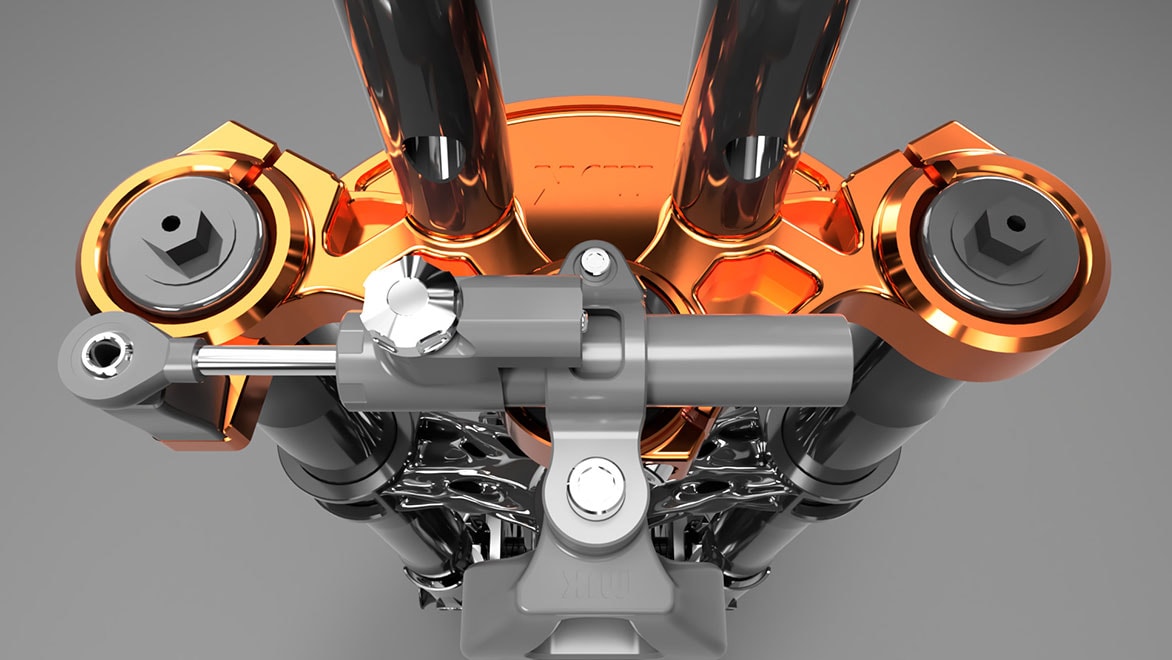
Rendering of a triple clamp from the front end of a motorcycle with Fusion 360.

Image courtesy of MJK Performance.

Autodesk Fusion is 3D CAD software and more

Don't let your Chromebook 3D modeling tools restrict your creativity or ability to quickly create multiple design iterations. Autodesk Fusion empowers you to design effortlessly, helping you ensure form, fit, and function of your products with various analysis methods. From sketching and direct modeling to surface and parametric modeling, Autodesk Fusion has you covered.

Frequently asked questions (FAQ) on Autodesk Fusion for Chromebooks

Autodesk Fusion is now available on Chromebooks for students with an Autodesk account and an educational subscription.

Who can access Autodesk Fusion on Chromebooks?

Students and educators at qualified academic institutions worldwide are eligible for free access to Autodesk software for one-year through the Autodesk Education Community.

I have an educational subscription for Autodesk Fusion. How do I access Fusion 360 on a Chromebook?

Visit https://fusion.online.autodesk.com and sign in to your account.


How do I get an educational subscription for Autodesk Fusion, so that I can access it on a Chromebook?

  1. Visit the Autodesk Education Community.
  2. Click Get started on the Fusion product tile.
  3. Either sign-in to or create an Autodesk account and complete your education profile.
  4. Click Get Product on the Fusion product tile.
  5. Click Access on the Fusion product tile.

You now have an educational subscription to Autodesk Fusion and can access Autodesk Fusion on a Chromebook by visiting https://fusion.online.autodesk.com.


Note: When you complete step 5, a download of the FAutodesk Fusion desktop client is automatically launched. There is no need to install the desktop client to access Autodesk Fusion on a Chromebook and you can simply close this browser window.

See more FAQ

See how Autodesk Fusion can be used for CAD design

Autodesk Fusion unifies design, engineering, electronics, and manufacturing into a single, cloud-based software platform. It helps students and educators prepare for the future of design, and is also the first 3D CAD, CAM, and CAE tool of its kind.

CAD design

CAD software tools like Autodesk Fusion are essential to the engineering design, analysis, and manufacturing process.


3D modeling

Autodesk Fusion workspaces help you explore and apply various 3D modeling techniques that bring your technical drawings to life.


CAD documentation

For more information and resources on how Autodesk Fusion can help you bring your designs to life, visit our documentation center.


CAD CAM

Autodesk Fusion CAD/CAM software connects the entire product design and development process in a single platform.


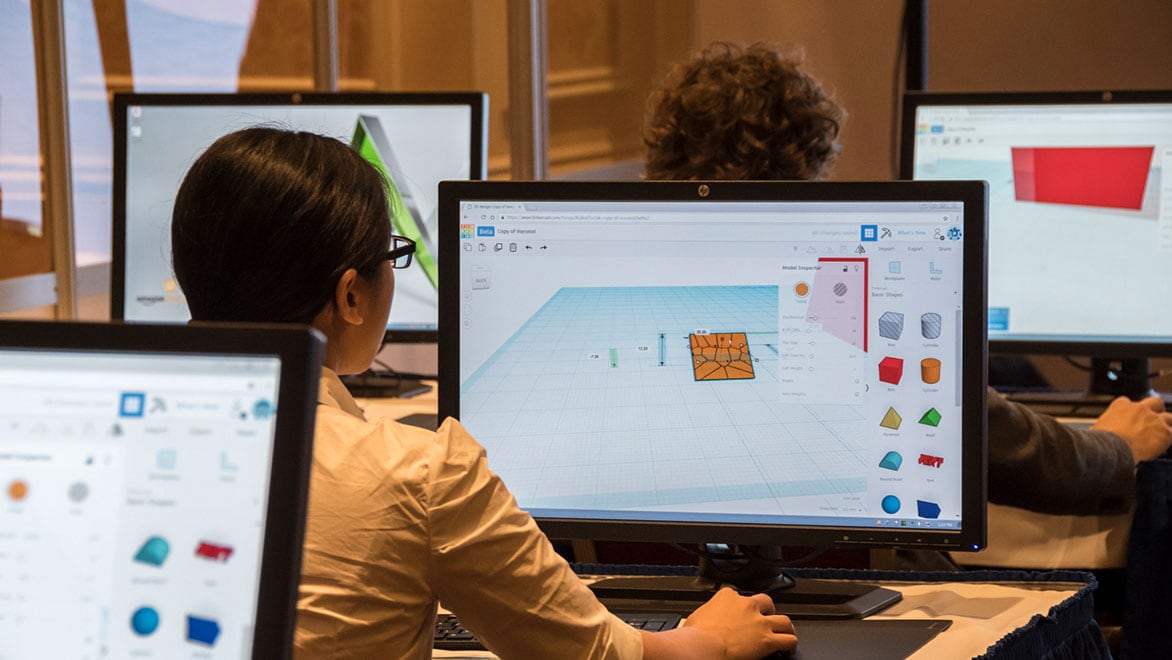
Woman using Tinkercad on computer.

Tinkercad for Chromebooks

Tinkercad is an easy, browser-based 3D design and modeling tool for all. Tinkercad is also your perfect 3d printing companion—it allows you to imagine anything, then design it in minutes! Tinkercad is a free, easy-to-learn online design tool used to create and print 3D models—it’s intuitive to use, and you don’t need to know CAD.